
Interested? Enquire Now
A
Property
Anand Realtors

Login to Continue
Manage your property listings
Don't have an account yet? Register Here
Compare Properties
Select up to 4 properties and compare them side by side — price, area, amenities and more.
Select Properties to Compare
Up to 4 properties
Recommended Properties
Click to add to a slot

Skyom City Mohanlalganj
₹0.47 Cr to ₹2 Cr

Ekana Business Centre
₹0.50 Cr to ₹1.19 Cr
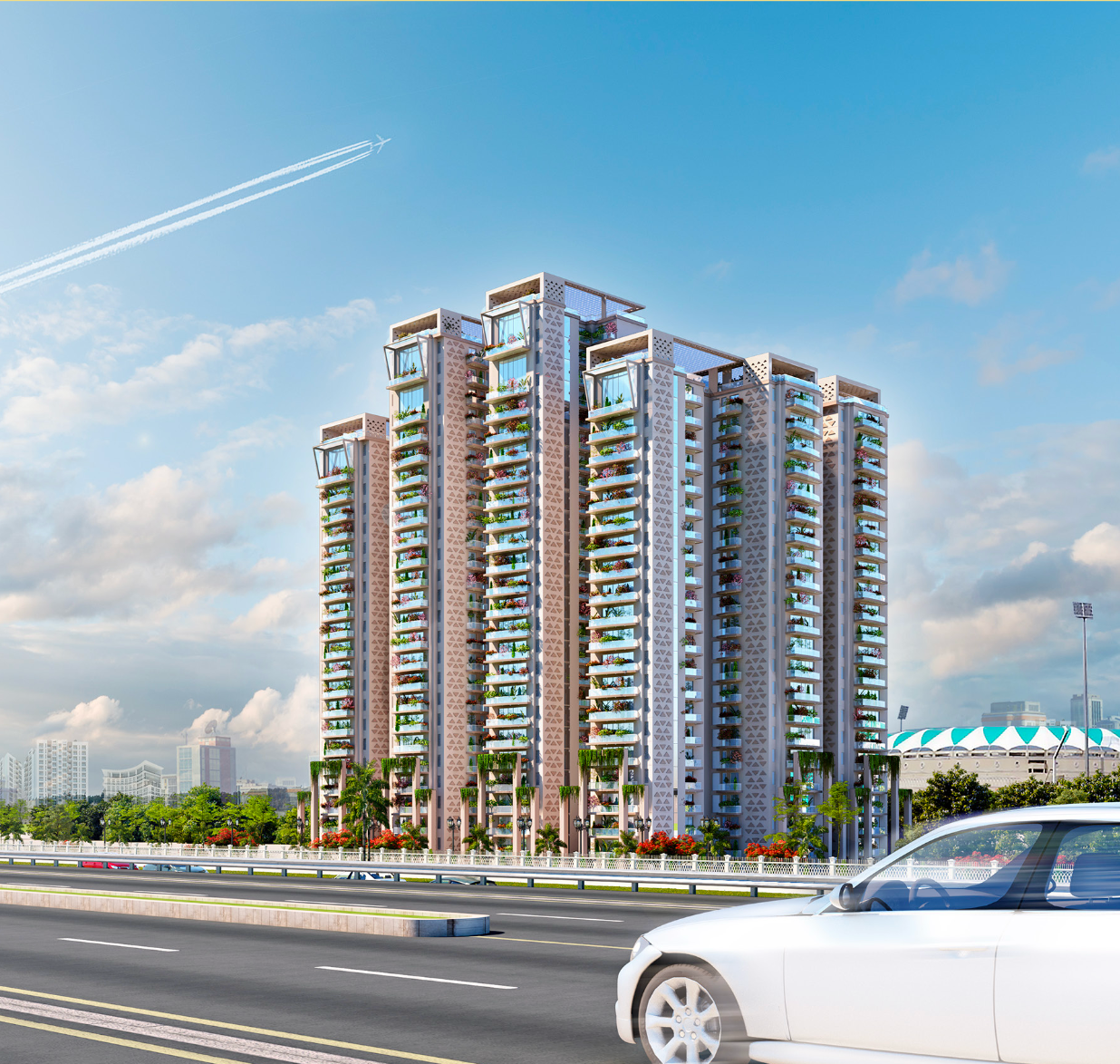
Ekana Ontario
₹1.86 Cr
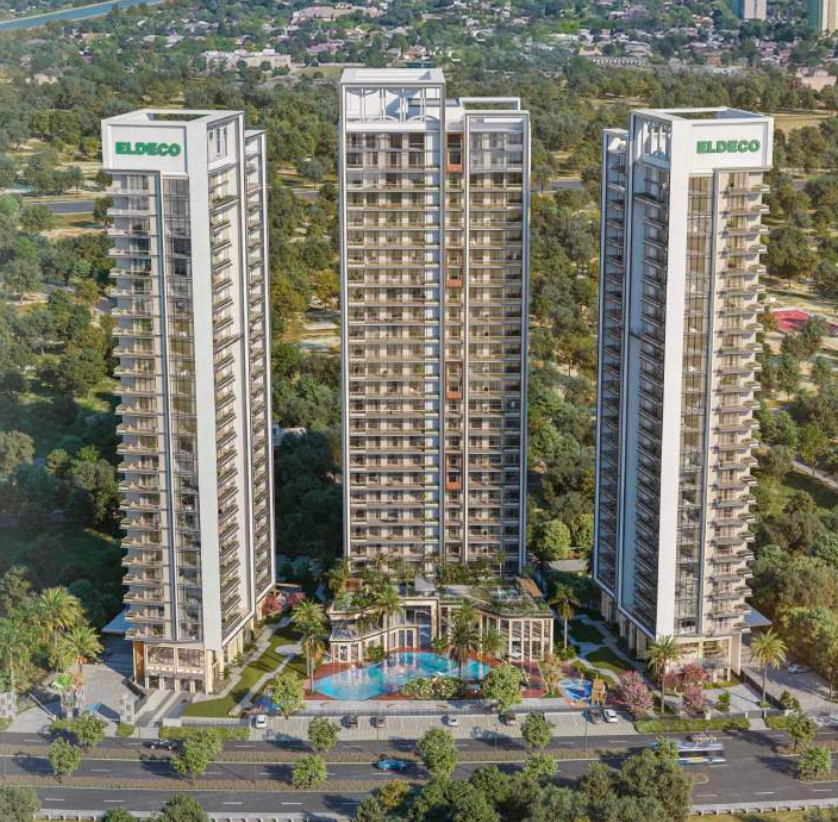
Eldeco Trinity
₹2.7 Cr to ₹ 7.94 Cr Approx
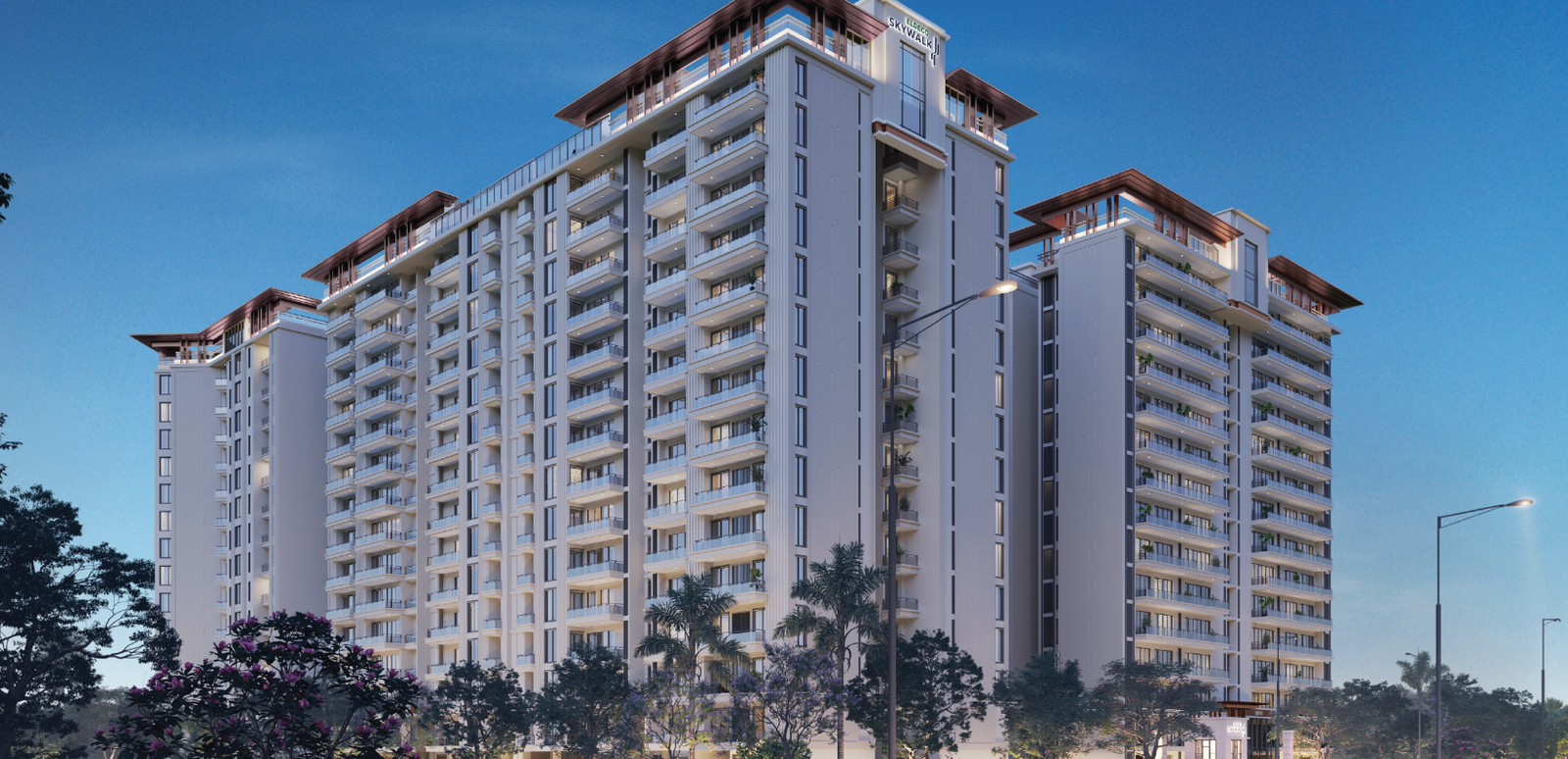
Eldeco Skywalk
₹0.69 Cr to ₹1.59 Cr
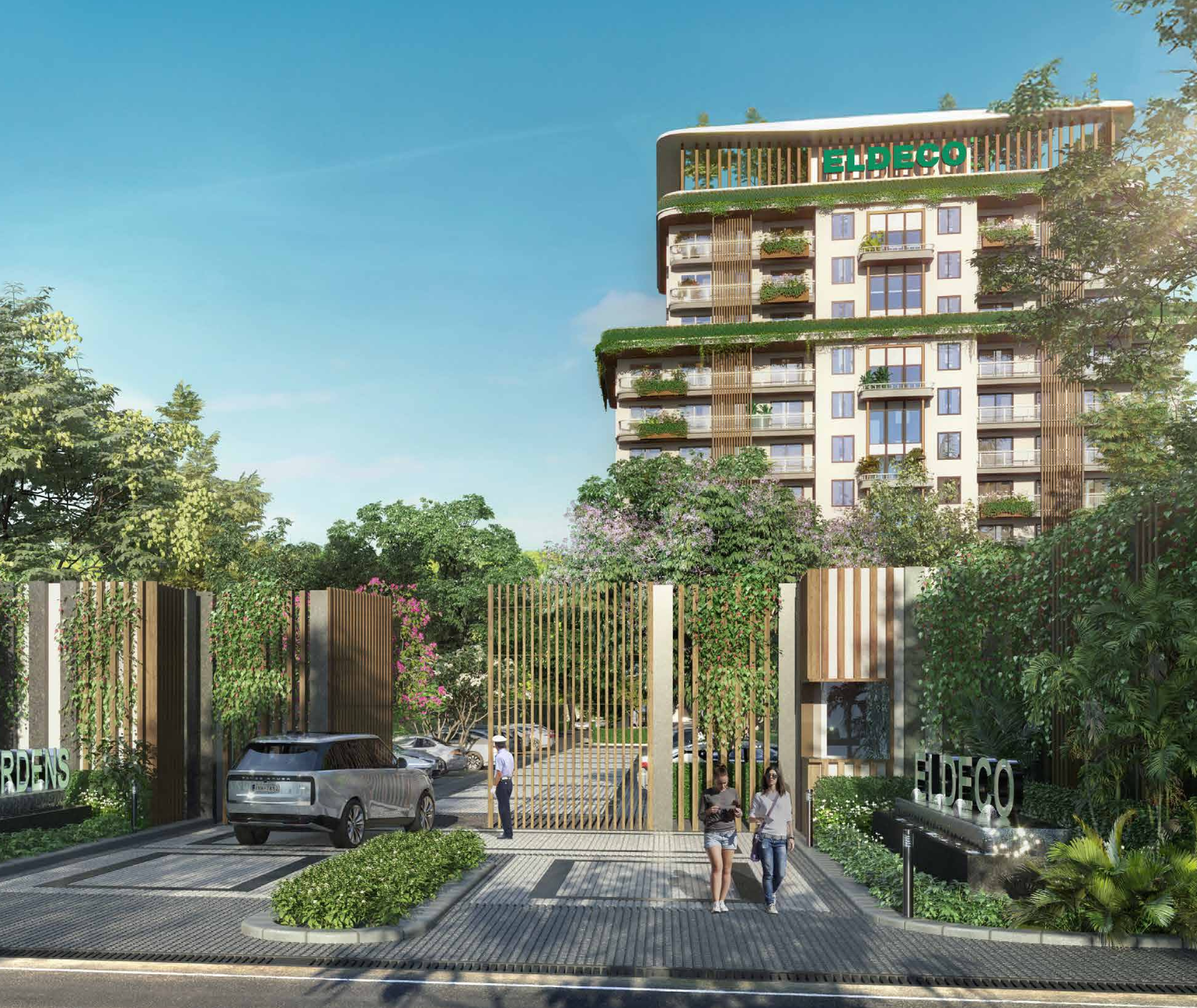
Eldeco Hanging Garden
₹1.13 Cr to ₹1.82 Cr
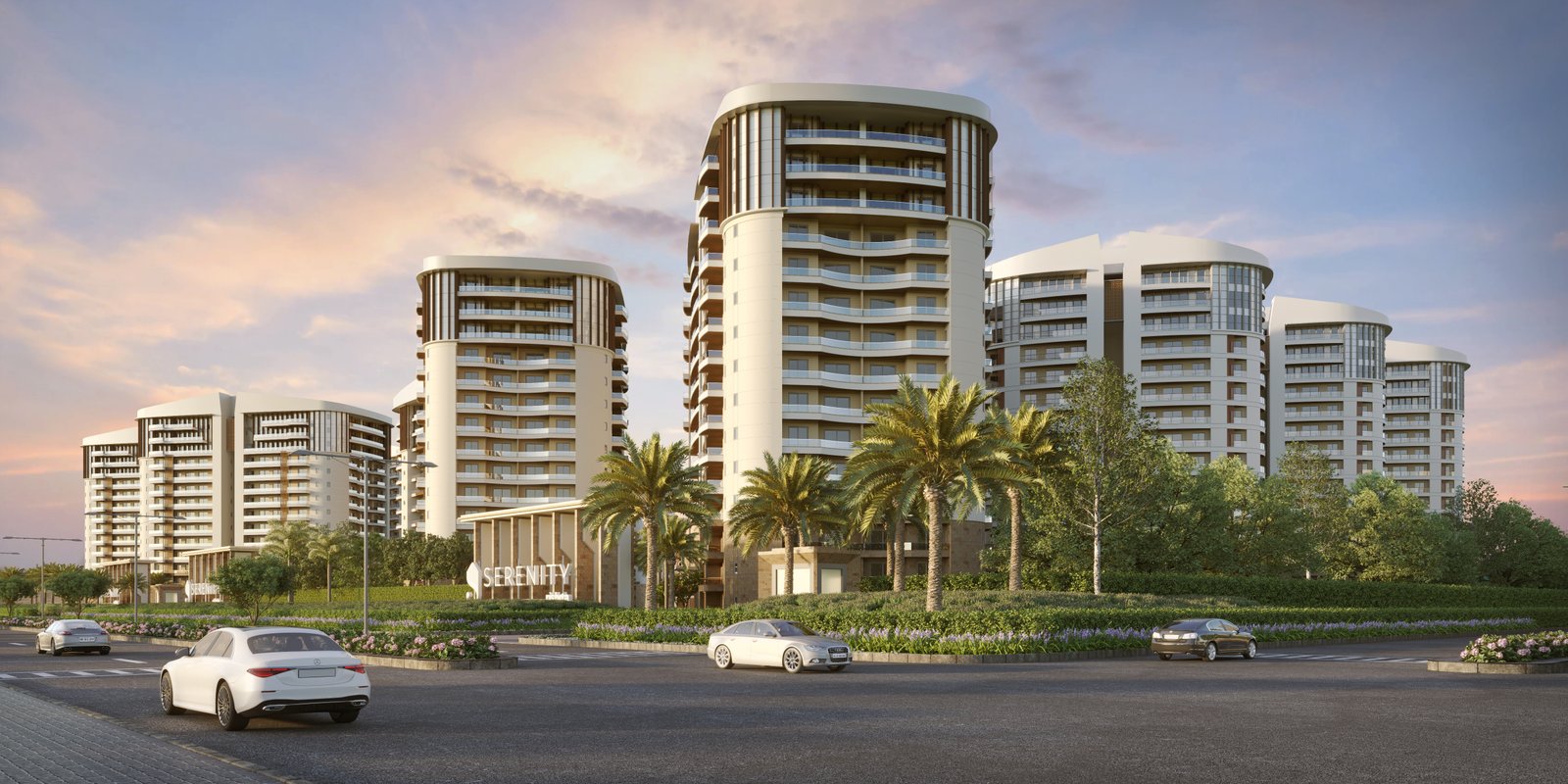
Rishita Serenity
₹2.77 Cr to 2.77 Cr
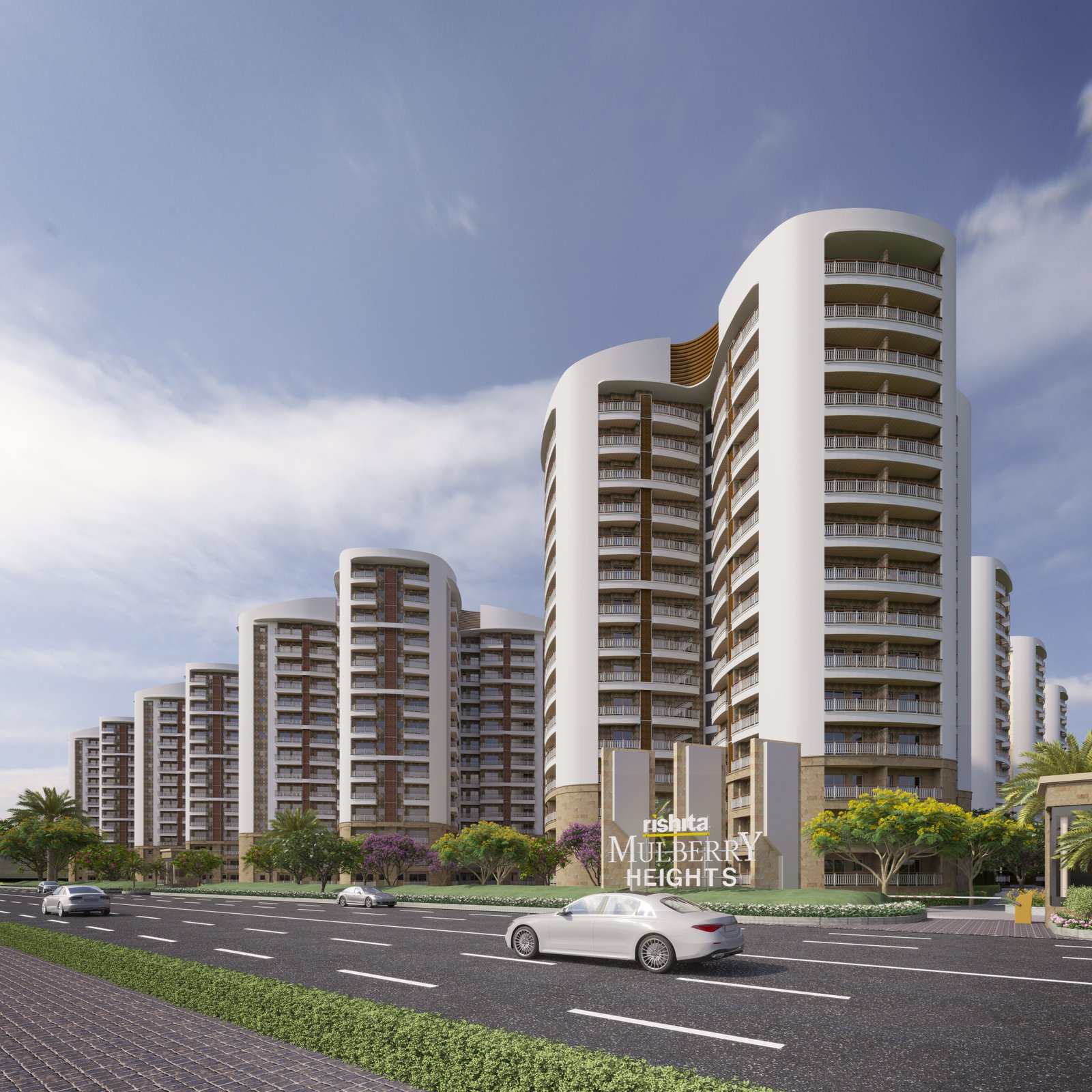
Rishita Mulberry Heights
₹1.06 Cr to ₹1.1 Cr
Omaxe Regent
₹2.2 Cr to 2.38 Cr
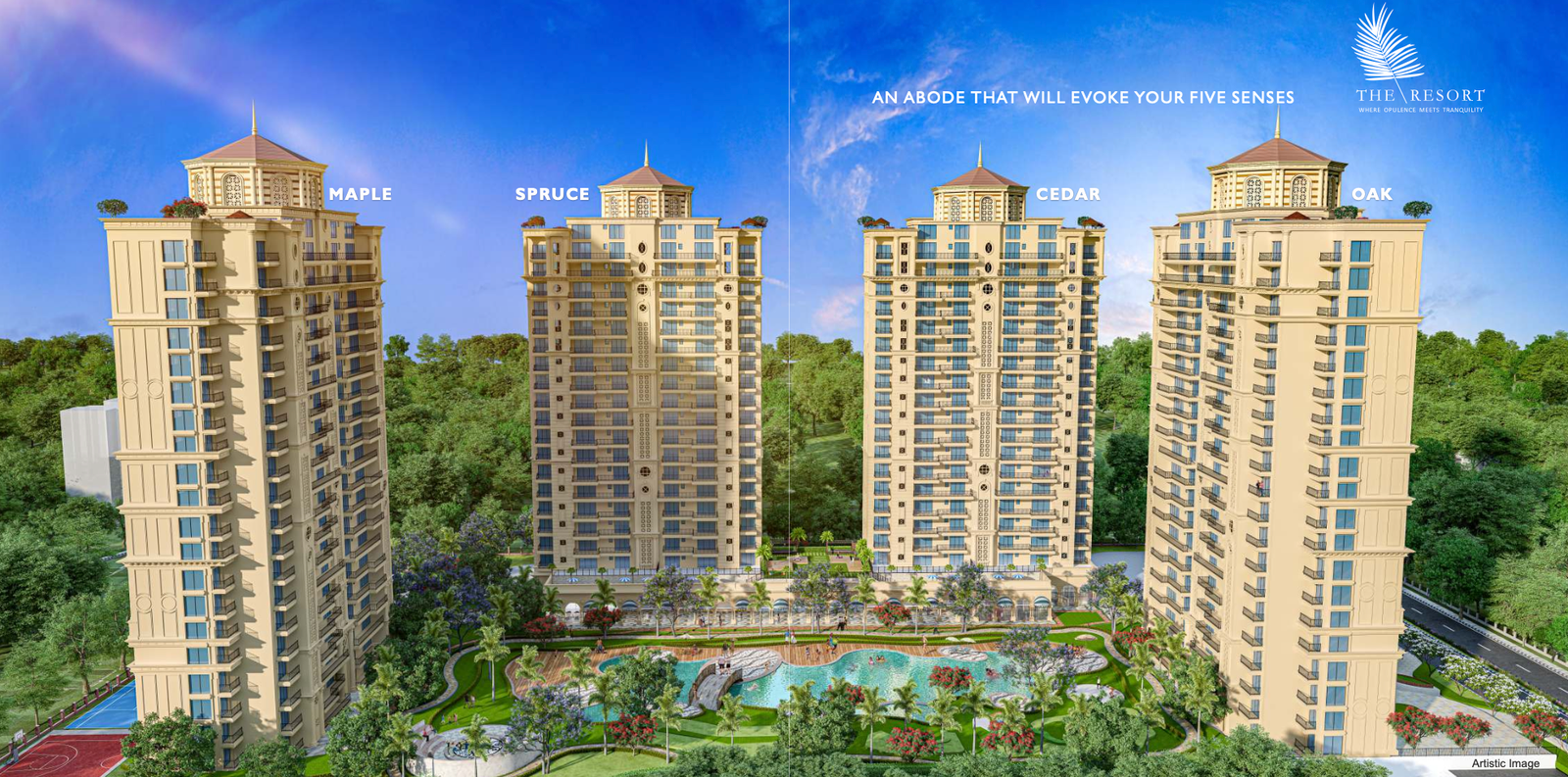
Omaxe The Resort
₹1.87 Cr to ₹7.90 Cr
How to Compare Properties
3 simple steps to find your perfect property
1
Select Properties
Click any slot above or pick from the recommended list below. You can add up to 4 properties at once.
2
Compare Side by Side
Hit the "Compare" button to see a detailed breakdown — price, area, RERA status, possession date and more.
3
Make Your Decision
Spotted the right one? Enquire directly or call us — our experts will guide you through the rest.
Why Compare Before Buying?
- Avoid overpaying — check if the price per sq.ft is competitive for the locality
- Verify RERA registration and legal status before committing
- Compare carpet area vs built-up area to understand what you actually get
- Check possession timelines and builder track record side by side
- Find the best configuration — 2 BHK vs 3 BHK — for your budget
Tips for Smart Comparison
- Always compare properties in the same locality for a fair price benchmark
- Give priority to RERA-registered projects — your investment is legally protected
- For under-construction properties, compare expected possession dates carefully
- Price per sq.ft is a better benchmark than total price when comparing different sizes
- Check the builder's past projects and delivery record before deciding
Frequently Asked Questions
How many properties can I compare at once?
You can compare up to 4 properties at the same time. Select them using the slots at the top of the page, then click "Compare Properties" to see the full side-by-side breakdown.
Can I share my comparison with someone?
Yes. Once you click "Compare Properties", the page URL updates with the selected property IDs. You can copy and share that link — anyone who opens it will see the same comparison.
What details are shown in the comparison table?
The comparison covers location, builder, property type, configuration (BHK), current status, carpet area, built-up area, price range, price per sq.ft, possession date, RERA number and total floors.
What does "price per sq.ft" mean?
Price per sq.ft (square foot) is the total price divided by the built-up or carpet area. It is the most reliable way to compare the value of two properties that have different sizes or total prices.
How do I add a property from the listings page to compare?
Go to the Properties page, open any property listing and click "Add to Compare". Once you have selected at least 2 properties, click the Compare button to open this page with your selection.